
Understanding Your Overview Dashboard
The Overview dashboard gives you a real-time snapshot of your operations — active guests, upcoming check-ins, colleague activity, and open escalations. This article explains what each section shows and how to use it day-to-day.
The overview at a glance
The dashboard is divided into several sections, each covering a different aspect of your operations. The data refreshes automatically — you do not need to reload the page to see current information.
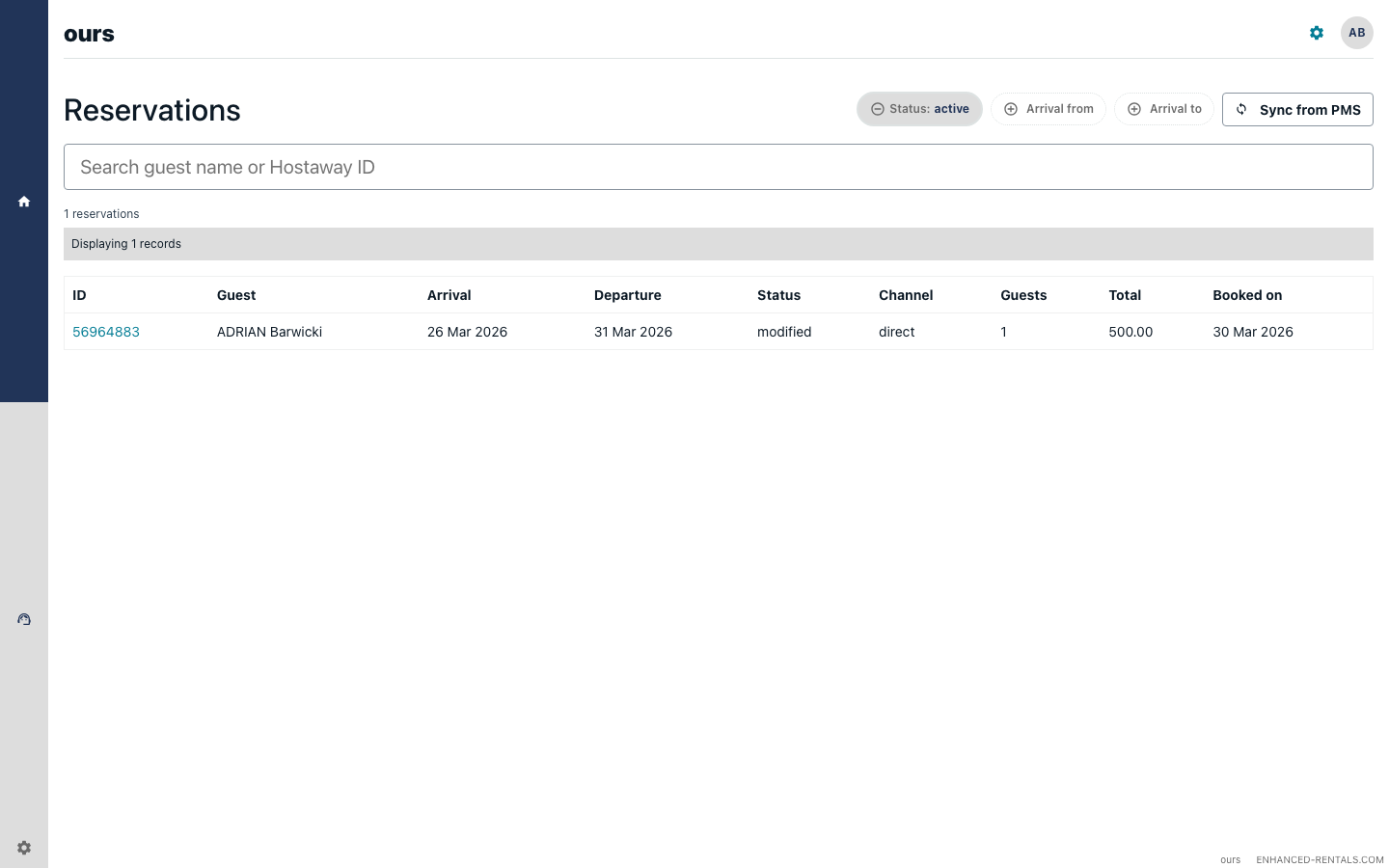
Active reservations
The reservations section shows all currently active stays and upcoming check-ins. For each reservation you can see:
- Guest name and booking channel (Airbnb, Booking.com, etc.).
- Property name and check-in / check-out dates.
- Reservation status (new, modified, in-progress, or cancelled).
Reservations are synced from Hostaway in real time via webhooks. If a booking is modified or cancelled in Hostaway, the dashboard reflects the change within minutes.
Check-ins and check-outs today
The dashboard highlights guests arriving and departing today so you can prioritise:
- Check-ins today — guests who are arriving and may need access codes, parking instructions, or a welcome message.
- Check-outs today — guests who are leaving. Their conversations will be marked as closed after check-out.
Open escalations
The escalations counter shows how many guest conversations are currently waiting for a human response. A high number here means your team needs to review and resolve cases.
Click the counter or navigate to Live Support → Escalations to see the full list.
Colleague activity
The colleague activity section shows how many replies your AI Colleagues have sent over the selected time period. This helps you gauge how much guest messaging is being handled automatically:
- AI replies — guest messages your colleague answered automatically, shown for the last 7 and 30 days.
- Conversations handled — how many separate guest threads your colleague has been active in.
Properties summary
A quick list of your active properties with their current occupancy status. Properties with active stays show the guest name and check-out date. Vacant properties are shown without a guest.
Clicking a property opens its detail page where you can view the full reservation history and associated AI Colleague configuration.