
Connecting Enhanced Rentals to Hostaway
This guide walks you through linking your Hostaway account to Enhanced Rentals. Once connected, your listings and reservations will sync automatically and your AI Colleague will be ready to handle guest messages.
Estimated time: 5–10 minutes
Before you start
- •You have an active Hostaway account with at least one listing.
- •You have signed up for Enhanced Rentals and can access your workspace.
- •You have Admin access in Hostaway (needed to connect via the Marketplace).
Sign in to your Enhanced Rentals workspace
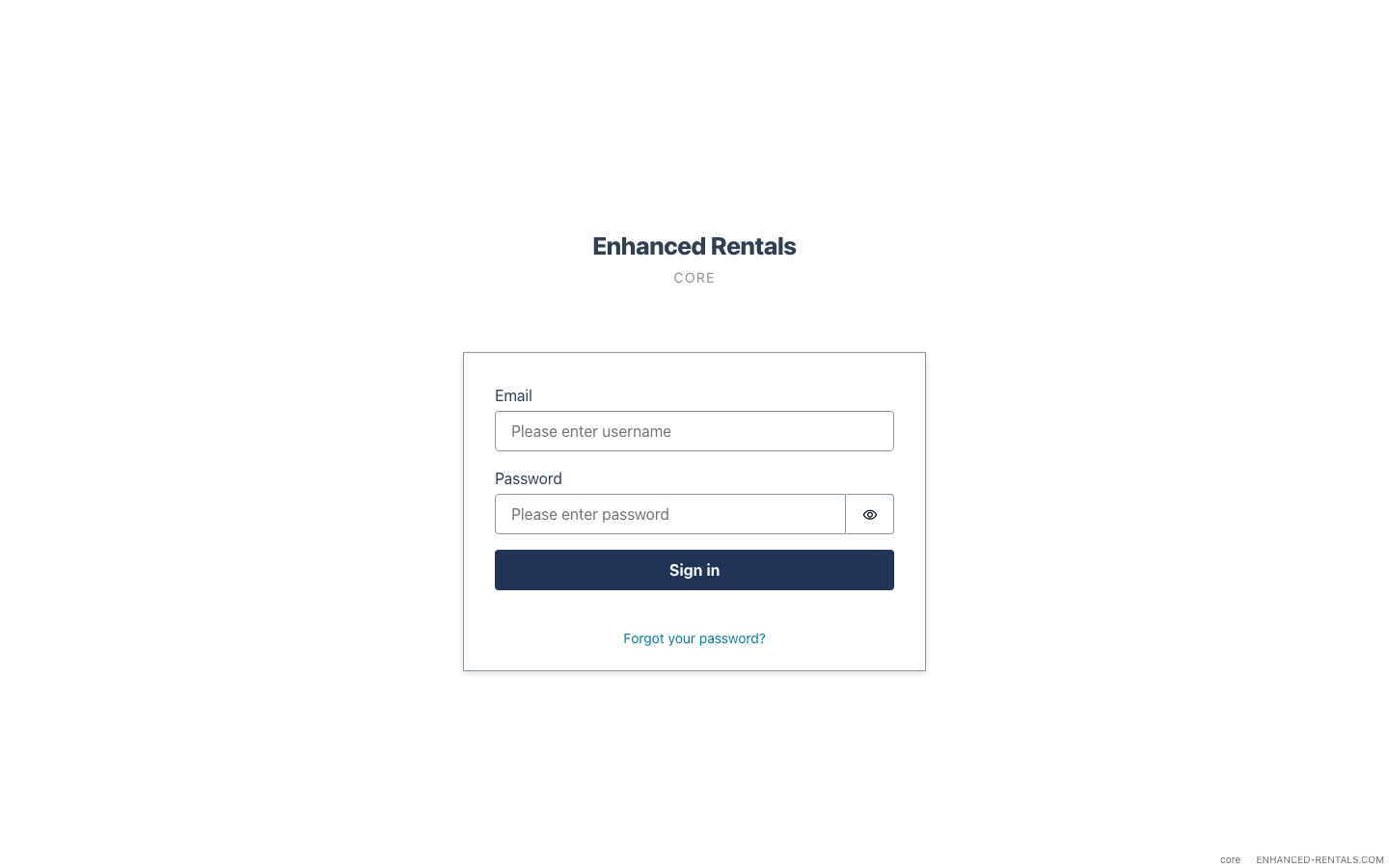
Go to your Enhanced Rentals workspace (your-workspace.enhanced-rentals.com) and sign in with your admin account.
Open the Integrations settings
In the left sidebar, click Settings, then select Integrations → PMS.
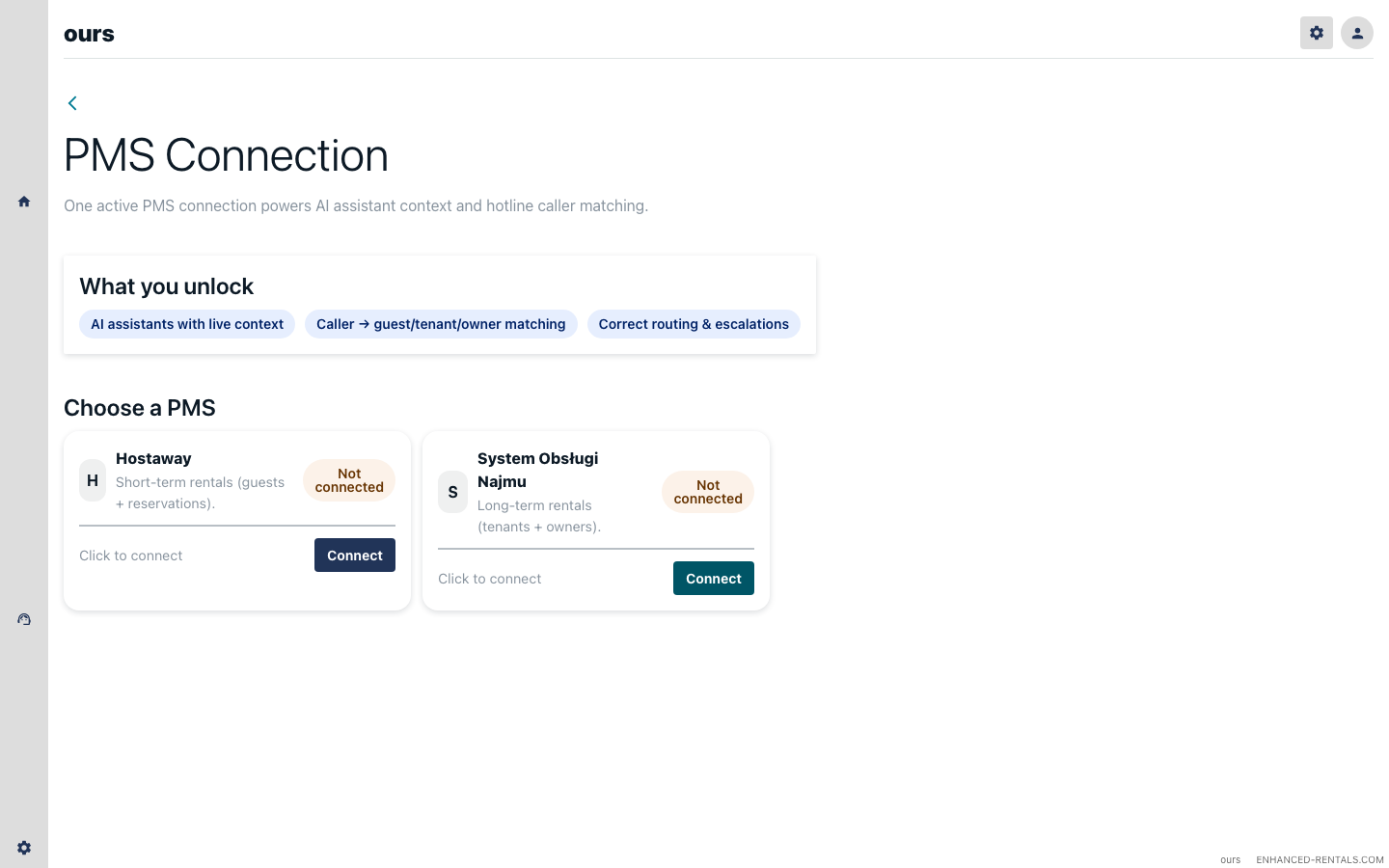
Connect Hostaway
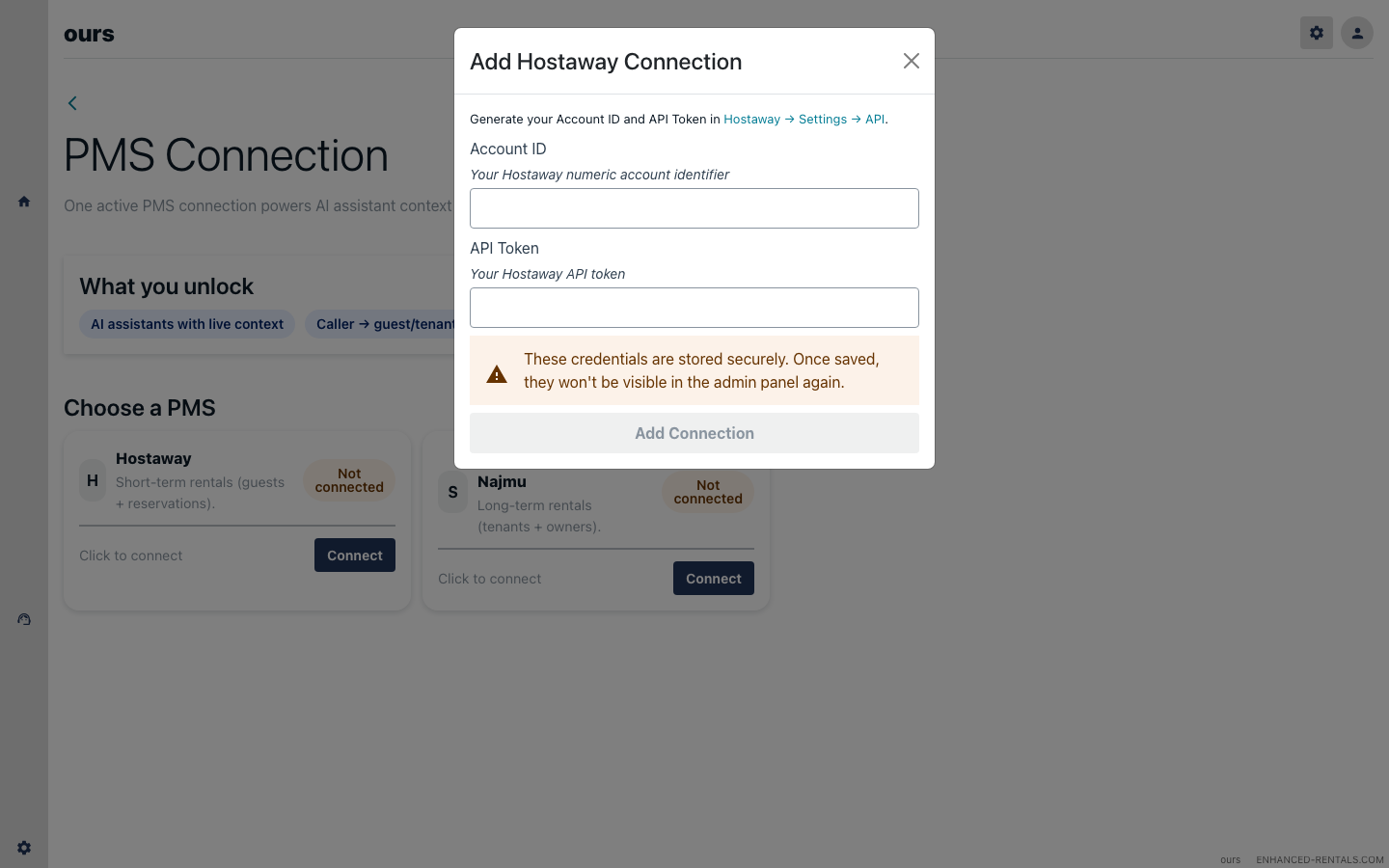
Click Connect Hostaway. A dialog will open asking for your Hostaway API credentials.
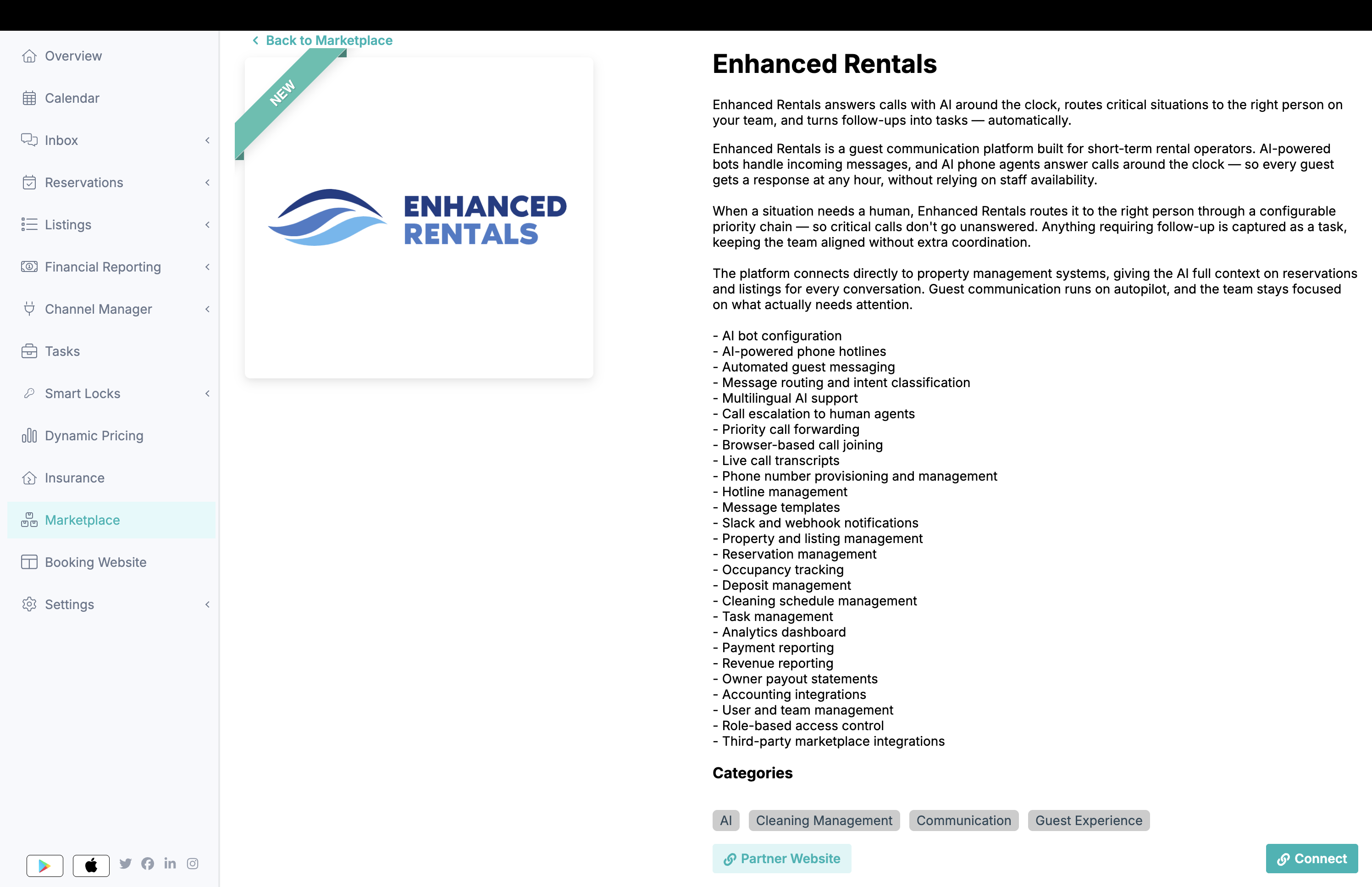
Connect Enhanced Rentals via the Hostaway Marketplace
Switch to your Hostaway account and go to the Marketplace:
- Open dashboard.hostaway.com/marketplace
- Find Enhanced Rentals and click on it.
- Click Connect.
- In the sidebar that opens, click Create to generate your API key.
- Your Account ID and API Key will be generated and displayed.
- Copy both values — you will need them in the next step.
Enter credentials in Enhanced Rentals
Paste your Account ID and API Key from the Hostaway Marketplace into the Enhanced Rentals dialog, then click Add Connection.
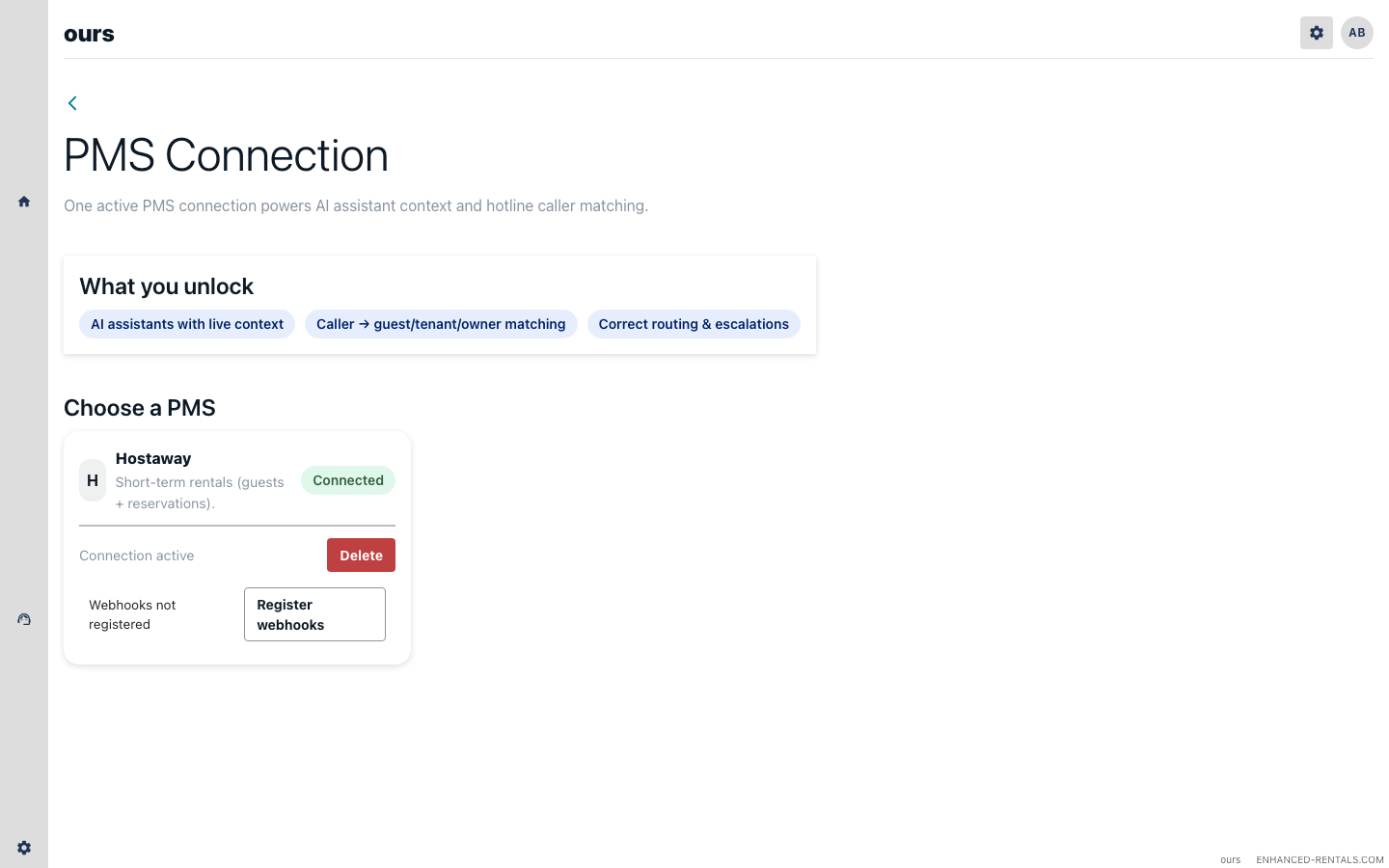
Verify listings sync
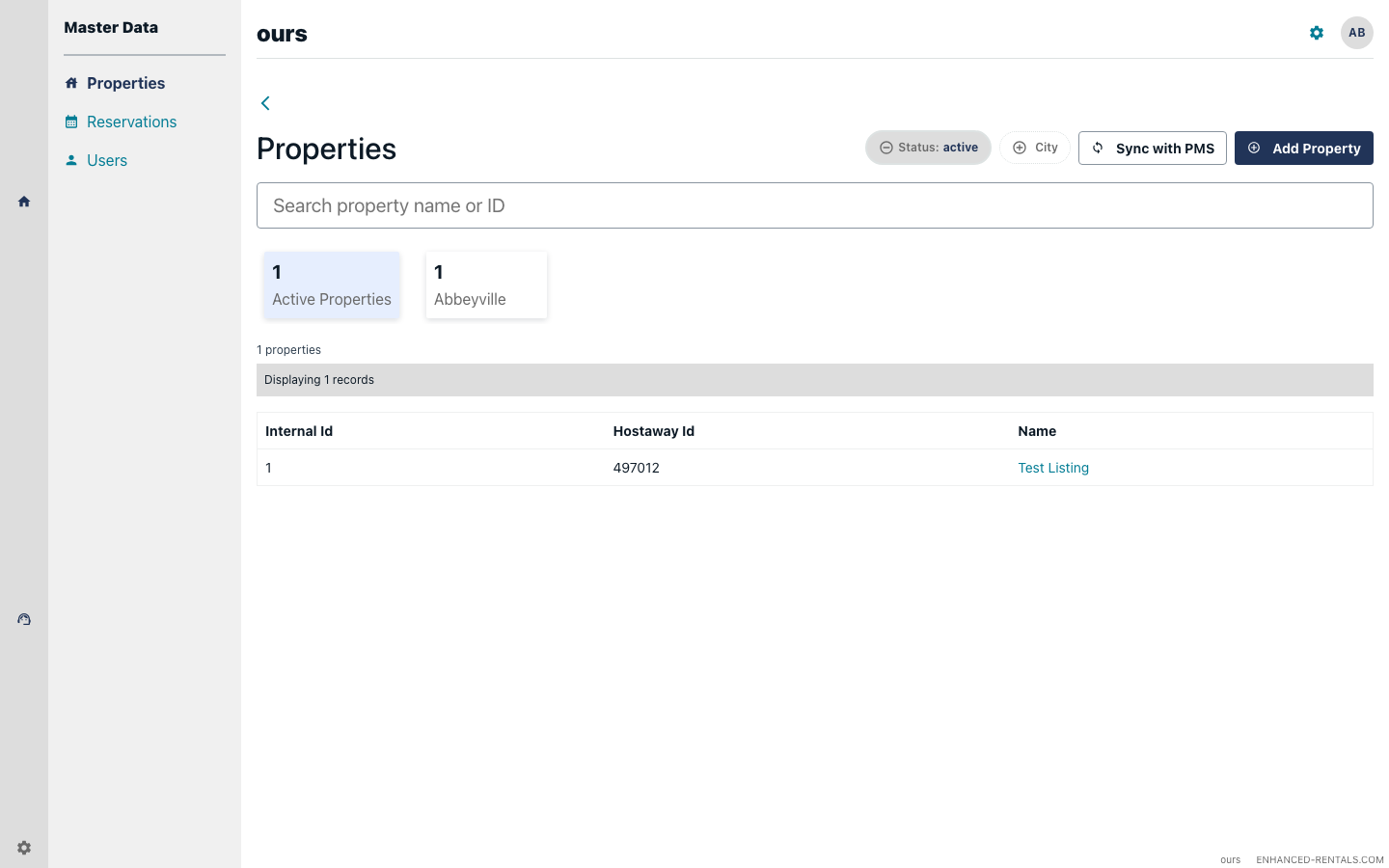
After connecting, Enhanced Rentals will fetch your listings from Hostaway. Navigate to Properties in the sidebar. Your properties should appear within a few seconds.
Verify reservations sync
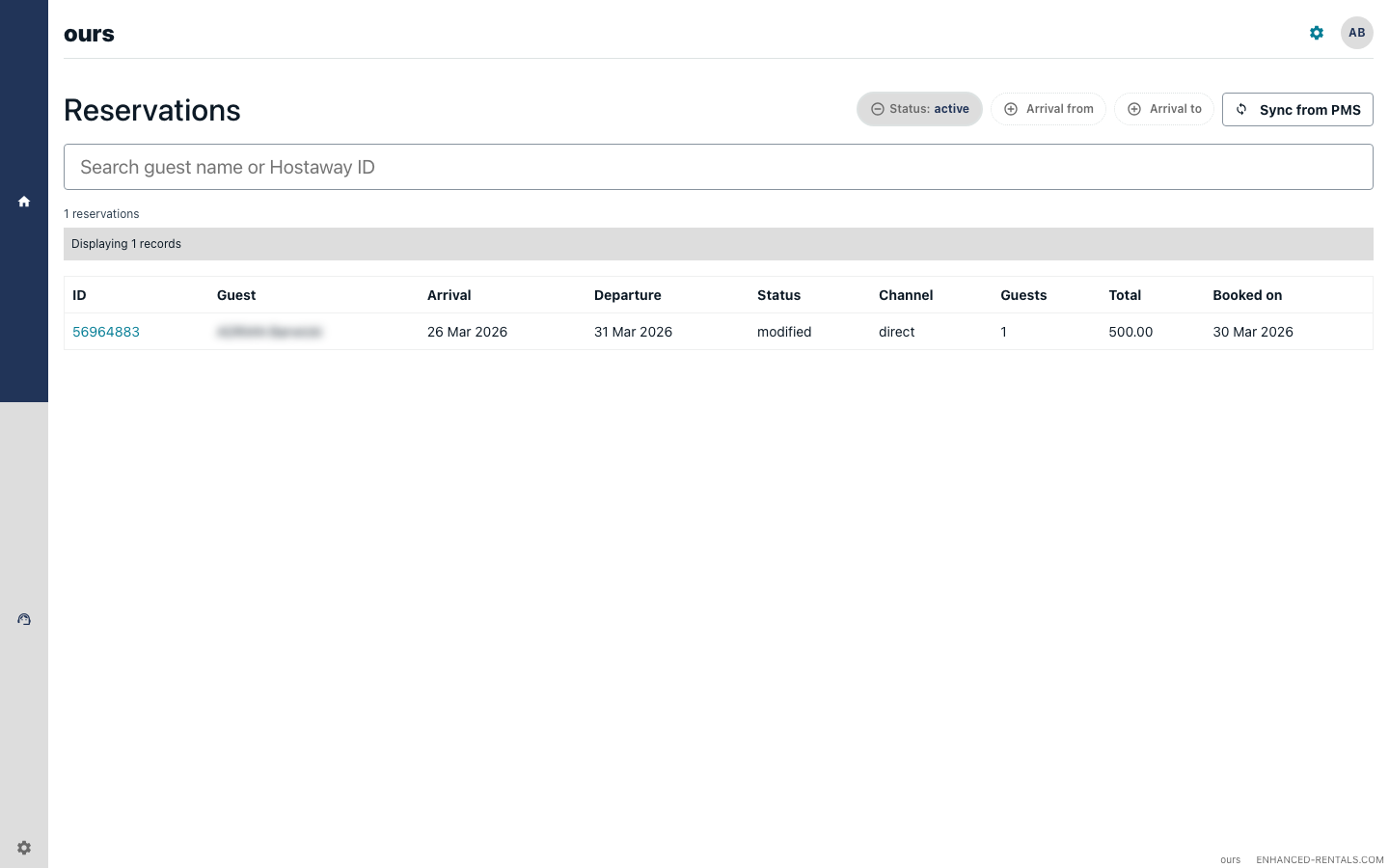
Navigate to Reservations. Your current and upcoming reservations from Hostaway will be listed here, including guest details, stay dates, and channel information.
You're connected
The integration is now active. Enhanced Rentals will automatically sync new and updated reservations from Hostaway in real time via webhooks.
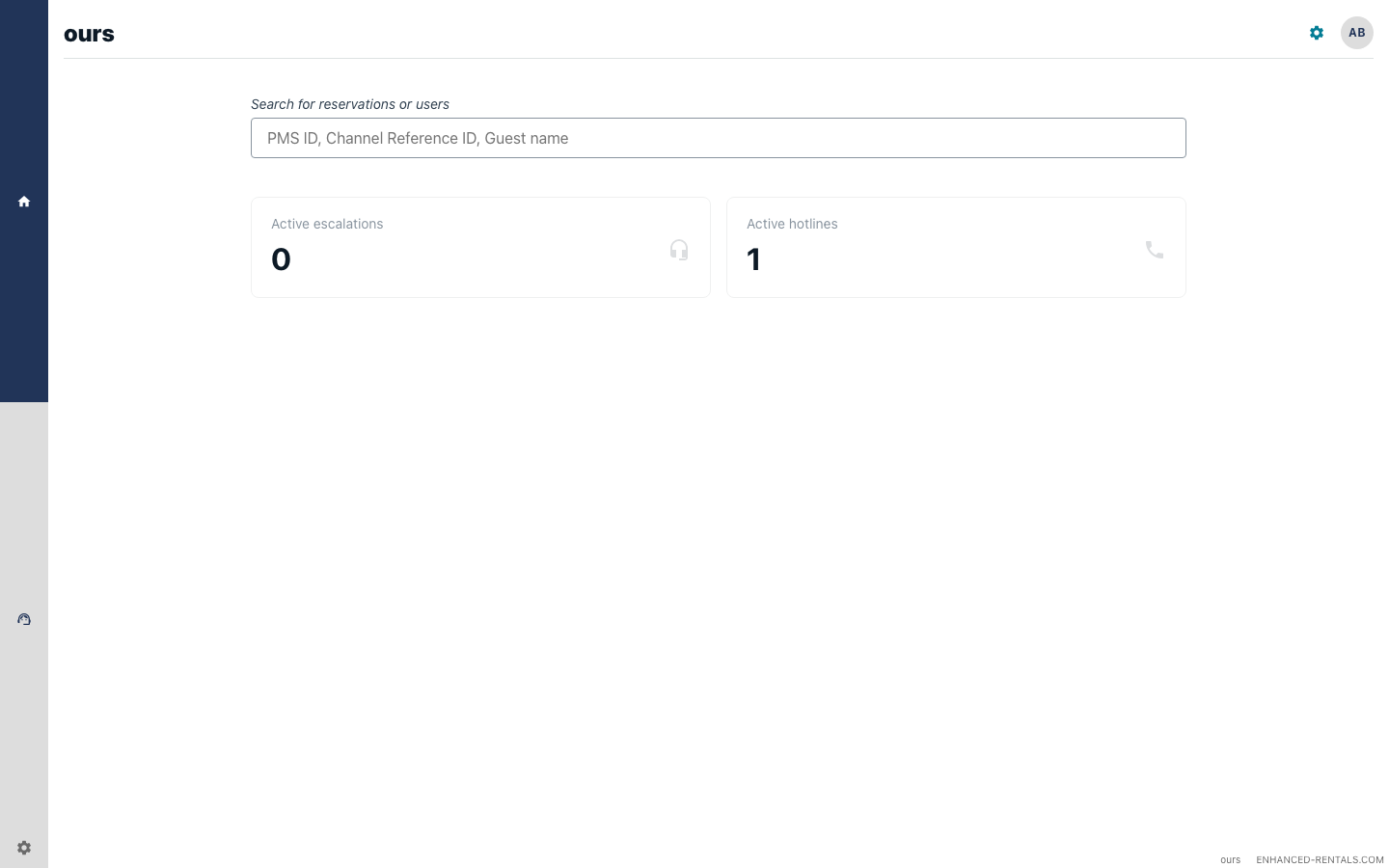
From here you can:
- Hire an AI Colleague — go to AI Agents → AI Colleagues to hire and enable your first colleague
- Set up a hotline — go to Settings → Hotlines to add a phone number and connect it to a voice AI Colleague
- Invite your team — go to Settings → Users to add team members
Troubleshooting
“Invalid credentials” error on connect
Double-check that you copied the Account ID and API Key from the Hostaway Marketplace without extra spaces. If in doubt, return to the Marketplace and generate a fresh key.
Listings appear but reservations do not sync
Reservations sync via webhooks. Ensure your Hostaway plan supports webhook events. Contact support@enhanced-rentals.com to verify webhook registration for your account.
No listings appear after connecting
Ensure the connection was created via the Hostaway Marketplace (not a manually generated public API key). If the problem persists, contact support@enhanced-rentals.com.